3D asset workflows
Build Better Assets with ai3dgen for 3d models
Ai3dgen for 3d models helps teams move from a visual brief to a reviewable asset without losing the original intent. Use a clear prompt, a useful reference, and a defined review step to make generated outputs easier to evaluate.
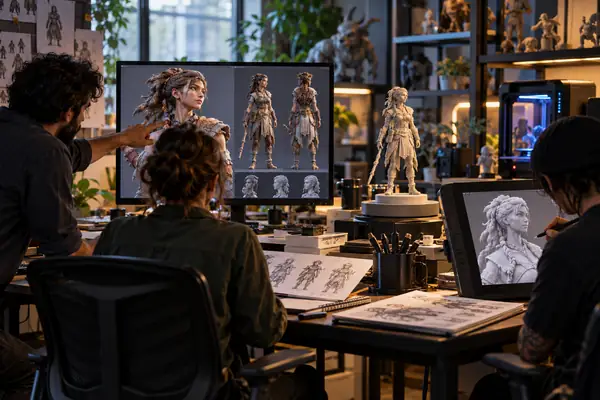
The production problem
From vague briefs to usable 3D assets
Teams often lose time translating loose references into something that can be reviewed, revised, and handed to another person. A repeatable prompt-to-review loop makes the work easier to organize.
-
1
Define the asset brief
State the subject, visual style, intended use, important shapes, and any details that must remain visible. Specific language gives the generation step a clearer target.
-
2
Generate and inspect
Submit the description or reference, then inspect the result for silhouette, proportions, missing details, and obvious mismatches with the brief.
-
3
Prepare the handoff
Keep the accepted concept alongside its prompt and review notes. Treat the generated model as an input to the next production step, not as automatic final approval.
Visual checkpoint
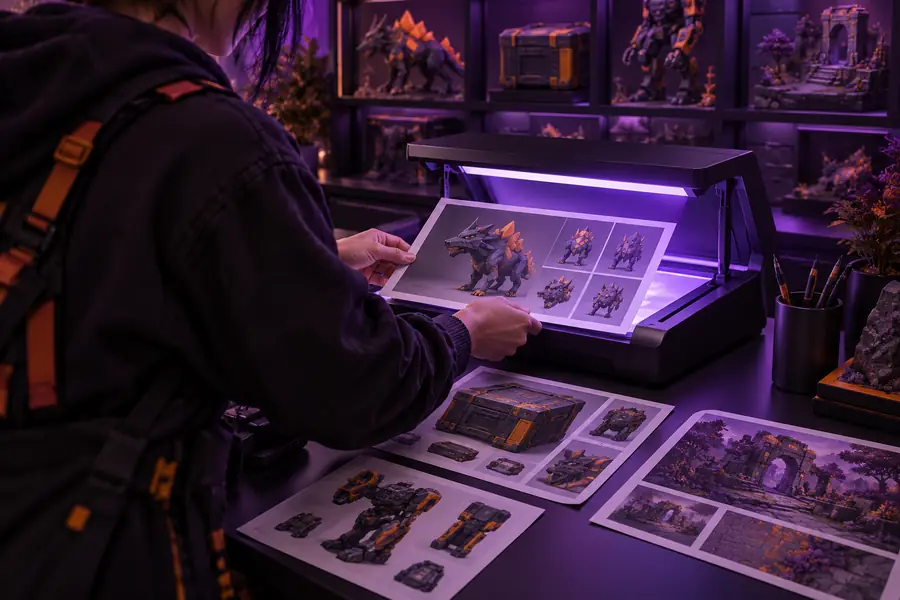
Example output: from reference to model
A useful comparison is not only about visual appeal. It shows whether the generated result preserves the subject, shape language, and details that mattered in the original brief.
- Reference or brief
- Generated model
Compare the silhouette first, then inspect details and intended use.

Responsible use
Compliance notes for generated assets
A model can be visually close to a reference and still require human review. Keep the source, prompt, revisions, and approval decision together when the asset may be used by a team or published externally.
-
It cannot verify ownership
A generated result does not prove that the source image, character, logo, or design was available for reuse.
WorkaroundRecord the source of every reference and obtain permission when the rights are unclear.
-
It cannot guarantee production readiness
A convincing preview may still need topology, scale, materials, rigging, optimization, or format checks for its final environment.
WorkaroundUse a technical checklist and have the intended production owner approve the handoff.
-
It cannot replace visual review
Small changes in proportions, geometry, or recognizable features may matter more than the overall impression.
WorkaroundCompare the output with the brief at a fixed review stage and request a revision when critical details drift.
-
It cannot establish originality by itself
Similarity to an existing design may not be obvious during a quick review, especially when references are broad or incomplete.
WorkaroundEscalate distinctive commercial assets for a separate design and legal review before release.
Workflow choice
Match the workflow to the asset brief
Text-led and image-guided workflows can serve different starting points. The better choice depends on how much visual information the team already has and what must remain consistent.
Text-to-3D brief
Image-guided workflow
Best starting point
Text-to-3D brief
A written concept, mood, or object description
Image-guided workflow
A useful image or visual reference
Main strength
Text-to-3D brief
Explores ideas before a finished reference exists
Image-guided workflow
Keeps important visible cues closer to the source
Prompt focus
Text-to-3D brief
Subject, silhouette, style, parts, and intended use
Image-guided workflow
Subject identity, camera view, key shapes, and reference priorities
Review priority
Text-to-3D brief
Whether the output matches the described concept
Image-guided workflow
Whether the output preserves the important reference features
Common limitation
Text-to-3D brief
Ambiguous wording can produce unexpected proportions
Image-guided workflow
A single view may not describe hidden surfaces or depth
Best handoff
Text-to-3D brief
Concept exploration followed by selection and refinement
Image-guided workflow
Reference-based iteration followed by technical validation
Turn a clear brief into a reviewable 3D asset
Use a focused description to begin, then assess the result against the intended subject, style, and production context. The strongest workflow keeps human review in the loop and preserves enough context for the next person to understand how the asset was made.
Create a 3D model- Start with the subject and intended use
- Inspect silhouette and distinctive details
- Keep references and review notes with the output
Scenario FAQ
Questions about ai3dgen for 3d models
These answers focus on using the workflow for model creation, review, and handoff rather than treating one generated result as a finished production asset.
It can support early concept development, visual exploration, and reference-led asset iteration. The output is best treated as a model to inspect and refine within the wider production process.
Not automatically. Check geometry, scale, materials, topology, file requirements, and performance expectations for the destination before using it in production.
Use a text description when the concept is still being explored or when the design is easier to explain than to show. Use an image reference when specific visible shapes, proportions, or style cues need to stay closer to a source.
Compare it with the original brief or reference, starting with the silhouette and the details that affect recognition or function. Save the accepted prompt, source material, revision notes, and approval decision with the asset.
No. A generation tool cannot establish ownership, permission, originality, or clearance for a commercial release. Track reference rights separately and send distinctive or high-value assets through the appropriate review process.